Video and audio
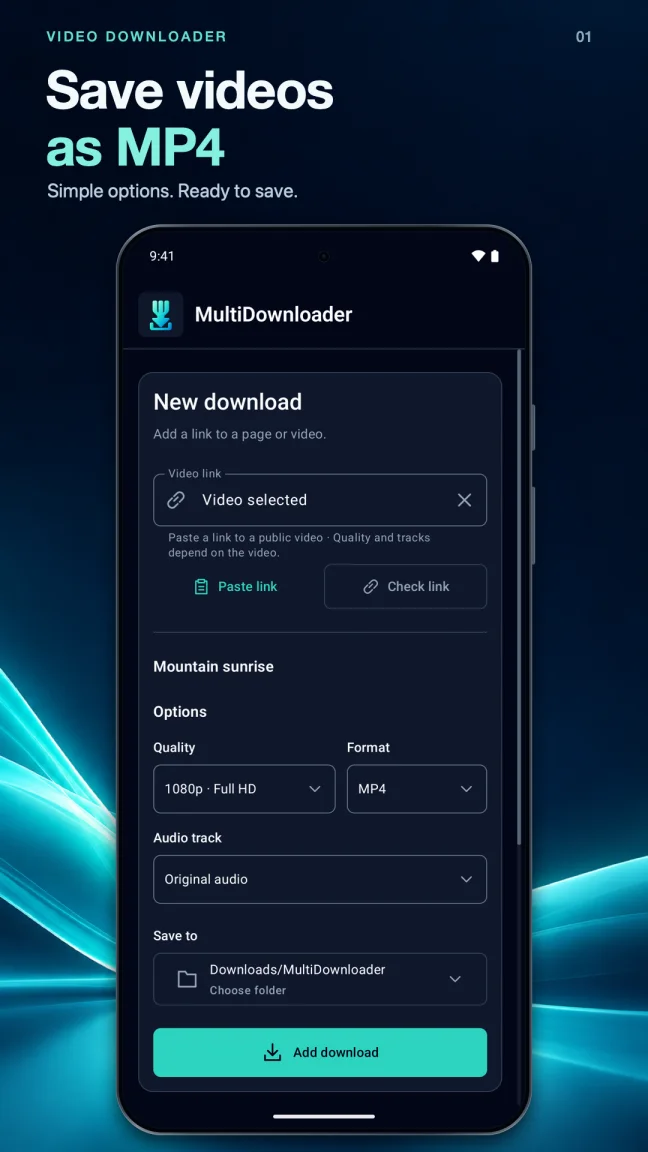
Save MP4 video or original M4A and MP3 audio when available. The options depend on the link you add.
 Multi DownloaderDOWNLOADS, UNDER CONTROL
Download video and audio files on Android. Paste a link, check the available options and save it to your device. Follow every download in one clear queue.

DESIGNED FOR REAL LIFE
Start with a link and see what is available. Choose video quality and an audio track when offered, or save supported audio in its original format. Keep the queue in view, pause when you need to and pick up unfinished downloads later.
Save MP4 video or original M4A and MP3 audio when available. The options depend on the link you add.
Check a link before downloading. Select the available video quality and audio track, then choose where to save the file.
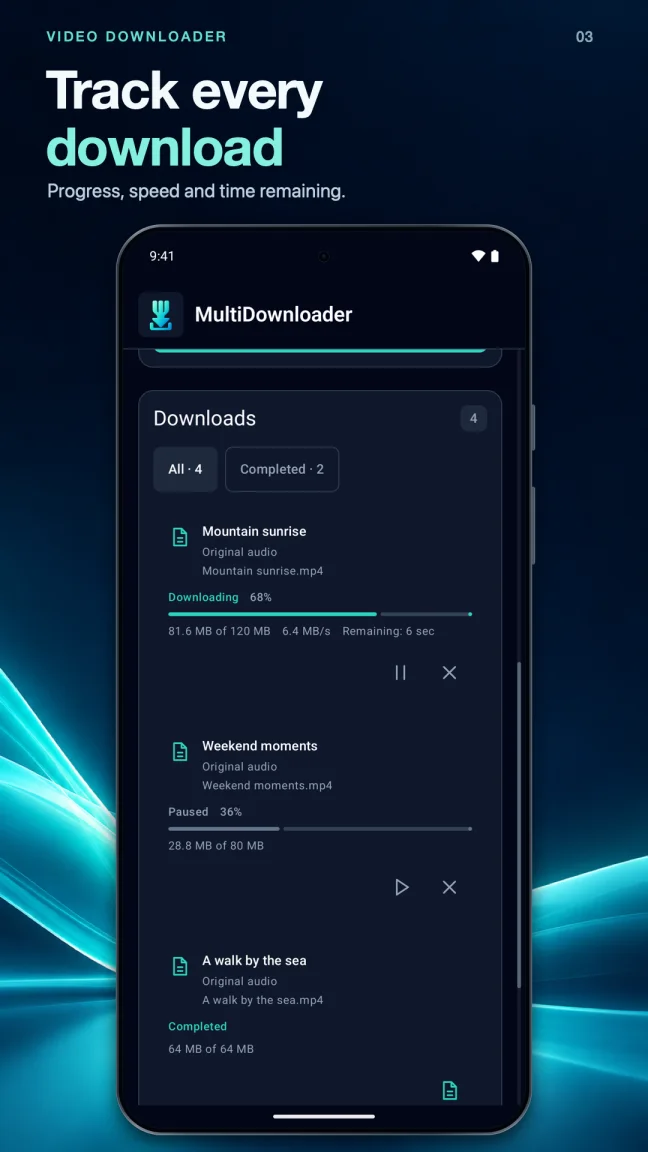
See progress, download speed and time remaining. Pause, resume, cancel or retry from the queue.
Unfinished downloads stay in the queue after restarting the app. Resume them later and open finished files right from the app.
INSIDE THE APP
App screenshots and store artwork. Store availability and terms can change.
THREE SIMPLE STEPS
Copy a link, paste it into Multi Downloader and tap Check link.
Review the available options and choose where to save the file.
Tap Add download and follow the progress. Keep the app open while it downloads.
AT A GLANCE
Free to download. Each new download is unlocked by a short rewarded video ad. Resuming, retrying and opening downloads you have already added do not require another ad. See Google Play for current terms.
Downloads need an internet connection. Advertising, analytics and crash reporting may process usage, diagnostic and device-related data. Read the privacy policy and Google Play data-safety disclosure for details.
BEFORE YOU DOWNLOAD
Yes. Multi Downloader supports video and audio downloads from compatible links. Video is saved as MP4; supported audio is saved in its original M4A or MP3 format. Available options depend on the link.
Yes. Pause, resume, cancel and retry from the queue. Unfinished downloads are kept after the app restarts so you can resume them later.
Keep Multi Downloader open while a download is running. You can follow progress, speed and the estimated time remaining in the queue.
The app is free to download. A short rewarded video ad unlocks each new download. Resuming, retrying and opening an existing download do not require another ad.
Use public media links that the app can resolve, for content you own or have permission to save. Private content, live streams, playlists and sign-in are not supported.
Multi Downloader is currently available for Android on Google Play.
Get Multi Downloader on Google Play for Android.
ALSO BY THE SAME CREATOR